
Magazine Spread
This was my first time ever working in Adobe InDesign. Again a pretty big learning curve for me. Below is my first attempt at a 3 page Magazine Spread, as you can see it needs a lot of work. We did our first draft, and submitted for peer review.
Guidelines that we used when creating this Magazine Spread:
- “BYU-Idaho Appropriate”
- Use InDesign
- 3 Pages; 1 Spread
- 8″x10″ portrait page size
- 2+ Column Layout
- 600 + Word Article (Found on LDS.org or BYUIScroll.org)
- 600+ words do not need to fit on 3 pages, simple use “Continued on page #” at end of 3rd page
- Break the article up w/3+headings/subheadings
- 1+Pull Quote(s)
- 2+ Relevant Images (Shot by student this semester)
- 1+ Word Wrap (image or shape)
- Consistent headings and body copy
- Contrasting typography
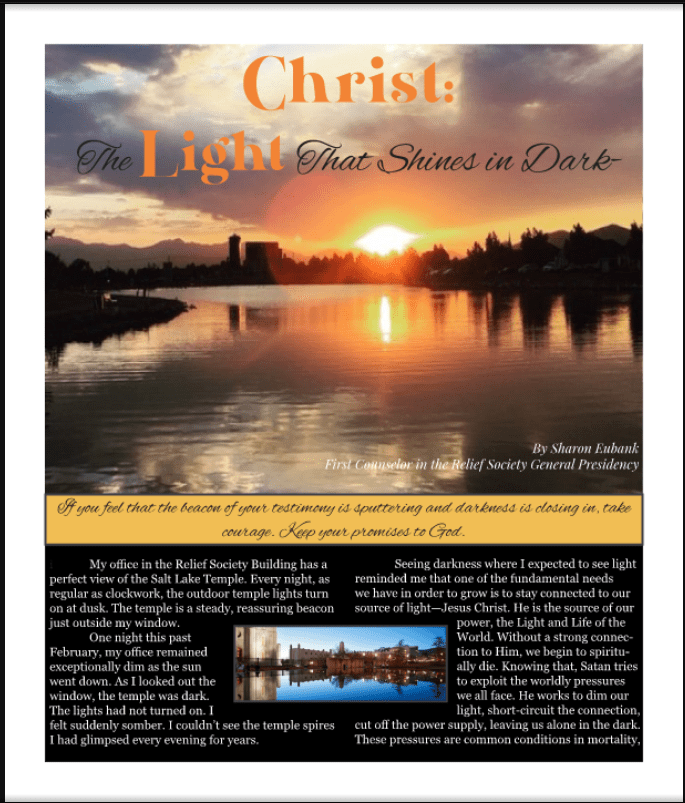
We had to do a 3 page Magazine Spread – below is my 2nd page – 1st Draft
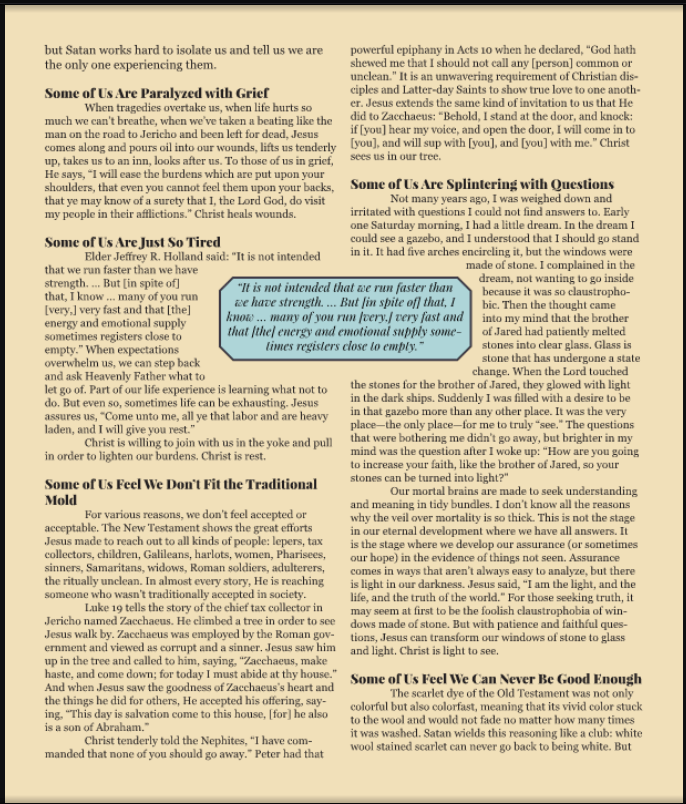
This is my 3rd page of my Magazine Spread first draft
 jenahancock2020.school.blog